Insights & Resources
Guides, tips, and strategies to help you run your business finances.
Formulas That Belong to the Column, Not the Cell
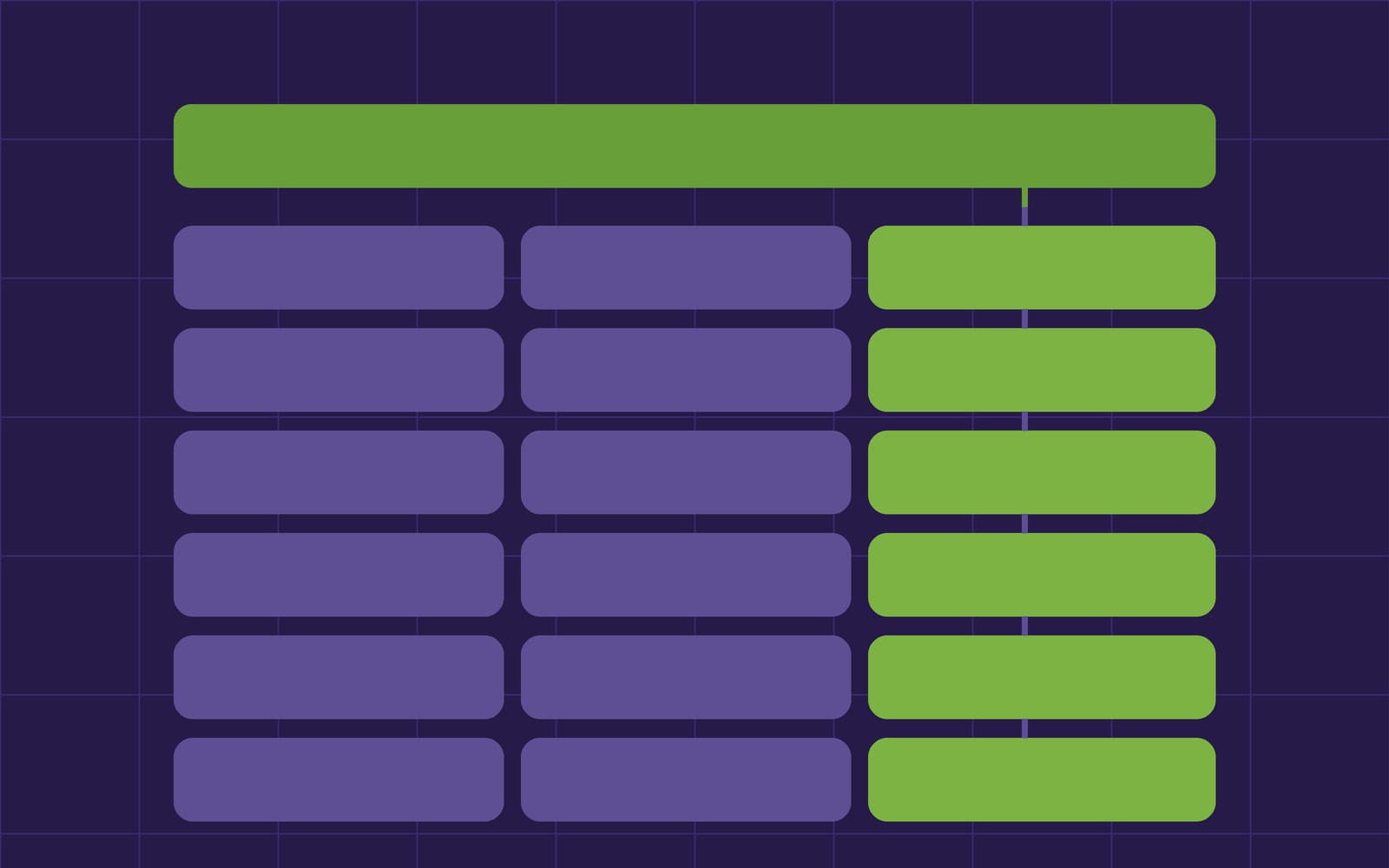
A spreadsheet formula is a value sitting in a cell, which is why it can be overwritten, dragged wrong, and inconsistent halfway down a column. Workbooks formulas reference columns by name and live on the column itself. Here's how that works, what it costs, and the one thing it breaks.
The AI in Your Sheet Should Only See What You Can See
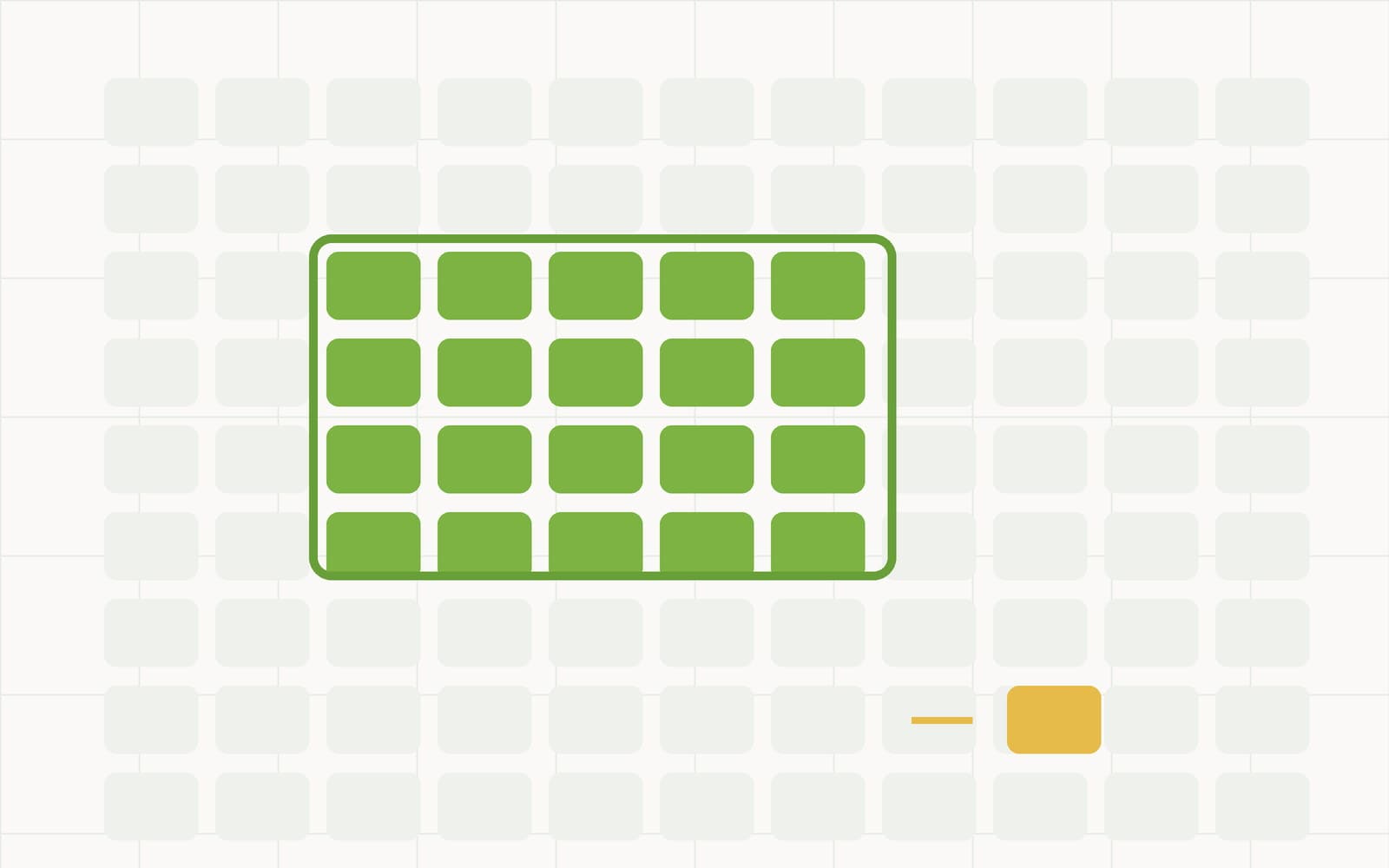
AI in a spreadsheet is usually a chatbot bolted to a grid, with vague answers about where your data went. Workbooks takes three narrow jobs — write this formula, answer this question, seed this workbook — and constrains all three. Here's what the model sees, what it is allowed to do, and what it deliberately can't.
The Petty Cash Log That Doesn't Evaporate
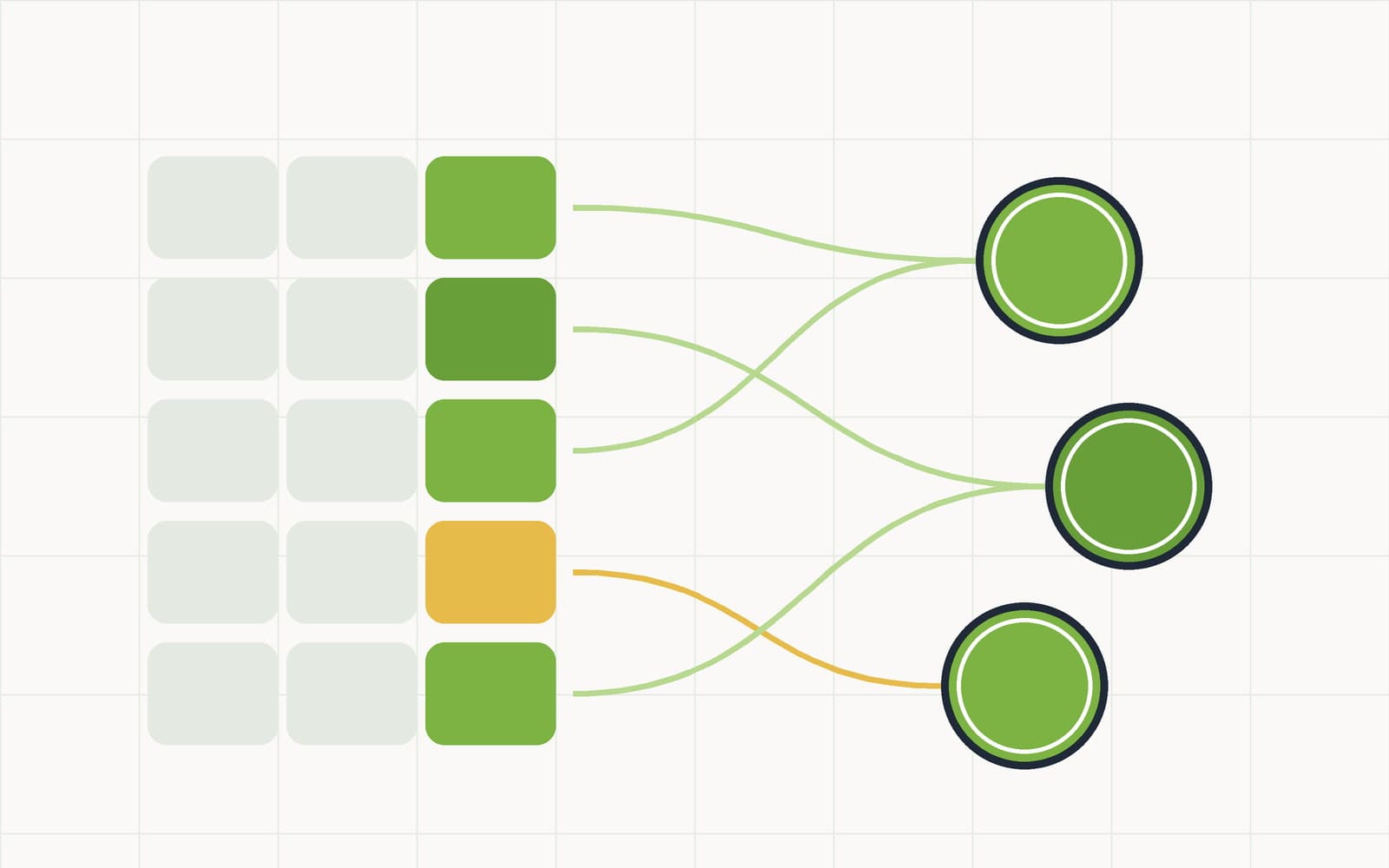
Petty cash rarely disappears to fraud. It disappears to five undocumented coffees and a receipt that went through the wash. Here's how to build a petty cash log that stays honest — closed categories, receipts on the row, and a balance that recalculates itself.

Your Cash Book Should Total Itself
Most cash books are a dated list with a running balance and a monthly total someone works out by hand. Grouping, saved views and public links turn that list into a report that maintains itself — and stops the month-end copy-paste ritual before it starts.
The Parts of Month-End Nobody Should Be Doing by Hand
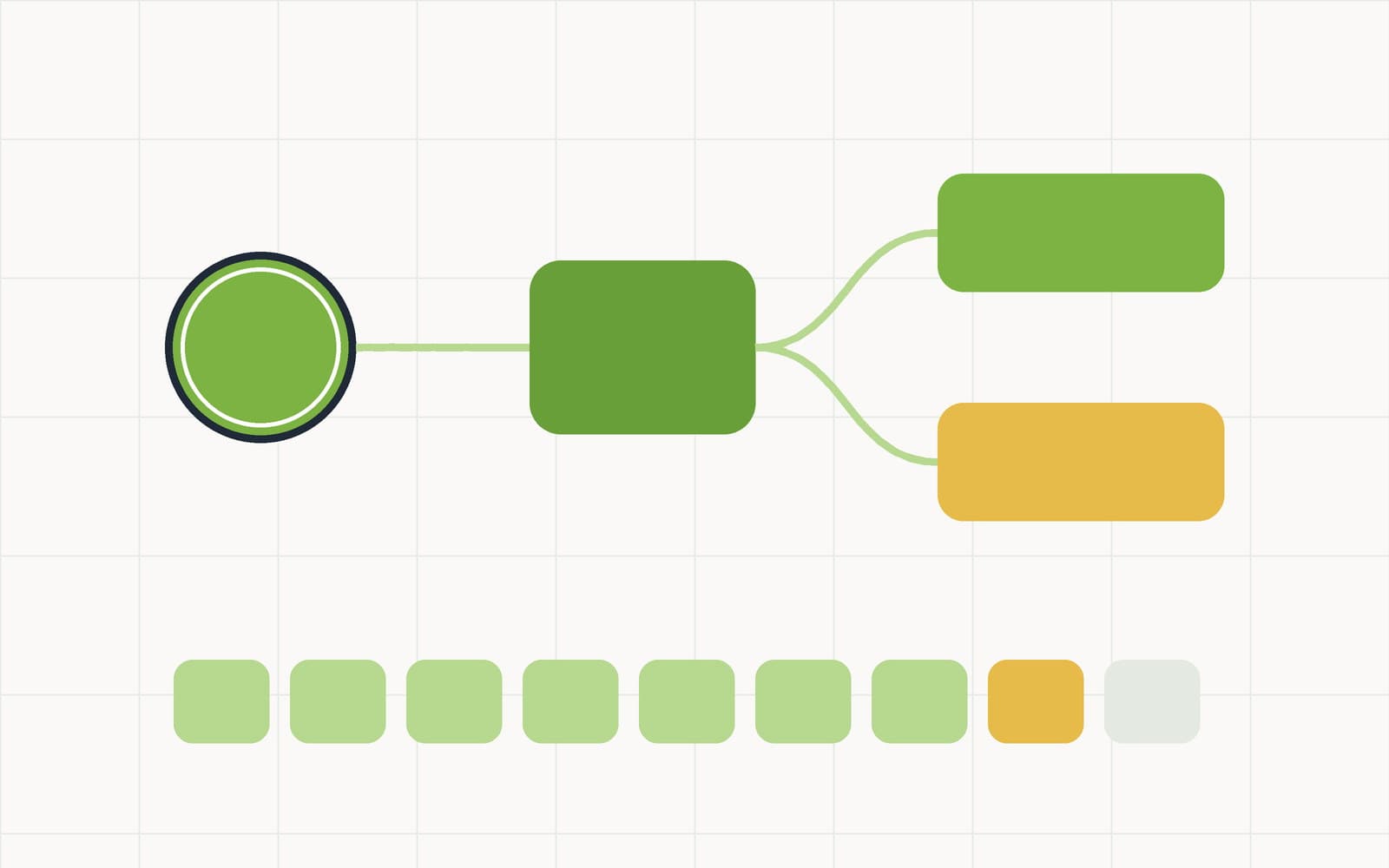
Every cash workflow has a handful of steps that are pure reflex — flag the large ones, open the review task, chase the missing receipt. Automations in Workbooks turn those into rules with a run log, so the routine work happens whether or not anyone remembered.
The Cash Position, on a Screen Nobody Has to Ask For
The question "how much cash do we have" gets asked constantly and answered badly — by someone opening a sheet, filtering it, and reporting a number from memory. A dashboard with a public link answers it once, live, without handing anyone access to the underlying rows.
Row-Level Security, Done Properly
"Your data is isolated" is the least verifiable sentence in software marketing. Here is the actual mechanism behind tenant isolation in CashSheet Workbooks — forced row-level security, a database role that cannot bypass it, default-deny, and the four properties we test on every build.
The CashSheet Pilot: Workbooks, POS & Back Office Free for 3 Months
Every new CashSheet workspace now starts with 1 month free: full access to Workbooks, Point of Sale, and Back Office. Here's what's included, what we ask in return, and how to join.
Introducing CashSheet Workbooks: The Spreadsheet That Works Like a Database
Our name has always promised a better cash sheet. Today we ship one: collaborative workbooks with typed columns, money exact to the cent, live formulas, receipt attachments, and one-click templates for the daily cash count, petty cash log, and cash book.
What Is a Cash Sheet? Daily Cash Counts, Petty Cash Logs, and Cash Books Explained
A cash sheet is the daily log that answers one question: is the cash that should be here actually here? Here's how the three classic cash sheets work, the mistakes that quietly corrupt them, and free templates that do the math for you.
Close Your Register in Five Minutes: The Daily Cash Count Template
Counting a drawer isn't hard — doing it the same way every night, with the math beyond argument, is. A walkthrough of the denomination counter template: count bills, totals compute themselves, over/short has nowhere to hide.
Double-Entry Accounting Explained for Growing Businesses
Every transaction has two sides. Here's why that matters and how CashSheet makes it effortless for businesses that have outgrown spreadsheets.

Why Your POS Should Talk to Your Books in Real Time
End-of-day reconciliation is a symptom of disconnected systems. Integrated POS means every sale posts a journal entry the moment it happens.

FIFO vs. Weighted Average: Choosing the Right Inventory Valuation
The method you pick affects your COGS, your tax bill, and your financial statements. Here's how to decide.