The Order Desk: AI Order Intake That Knows What Your Plant Can Actually Cut
The inbox is the real order-entry system
Walk into the sales office of almost any beef processor and you'll find the same thing: the order book lives in an email inbox. A restaurant supplier sends "600 lbs bnls ribeyes and 10 boxes of 50s for Friday" at 9 PM. A carniceria owner leaves a voicemail in the morning. A distributor texts a photo of a handwritten list. Somebody on your team reads each one, figures out what was meant, retypes it into the system, and — hours later — replies to the customer.
Every step of that chain is a place where a quantity gets fat-fingered, a product gets mistaken for its bone-in cousin, or a Friday order quietly becomes a Monday problem. And the reply the customer gets is usually an acknowledgment, not an answer: "Got it, we'll confirm." Confirm what, exactly?
The question order-intake apps can't answer
A wave of AI order-intake tools has arrived in food distribution over the last few years, and they get one thing genuinely right: customers should not have to change how they order. Reading the email for you beats making the customer download an app.
But capturing "800 lb of 112A by Friday" as clean, structured data answers the easy half of the problem. The hard half is the question the customer is actually asking: can you do it? An intake tool that doesn't know your carcass supply, your labor limits, your freezer capacity, and your existing commitments can only confirm blind. In a beef plant, a confirmation made blind is a promise somebody on the fab floor has to keep — or break.
That's the gap Order Desk closes. It sits on top of CutSheet's production optimizer, so the same linear program that builds your fab plan is the thing answering your inbox.
From message to answered order
When an order arrives — forwarded email, pasted text, or (soon) a voicemail transcript — Order Desk runs it through five steps:
- Read. An AI model extracts the lines: products, quantities, units, and dates. It speaks the industry's shorthand — IMPS codes like 112A and 189A, "bnls," "50s" and "90s," "cases" versus "heads" — and it resolves "for Friday" against the day the message arrived. If the message isn't an order at all (an invoice question, a complaint), it says so instead of inventing one.
- Match. Each line is matched against your item catalog — the same items your sales orders already use. Matching is deterministic: exact code hits and fuzzy name search against real catalog rows. The AI is never allowed to invent a product code; when a line is ambiguous, it can only choose among real candidates, and if none fit, the line is flagged for a person.
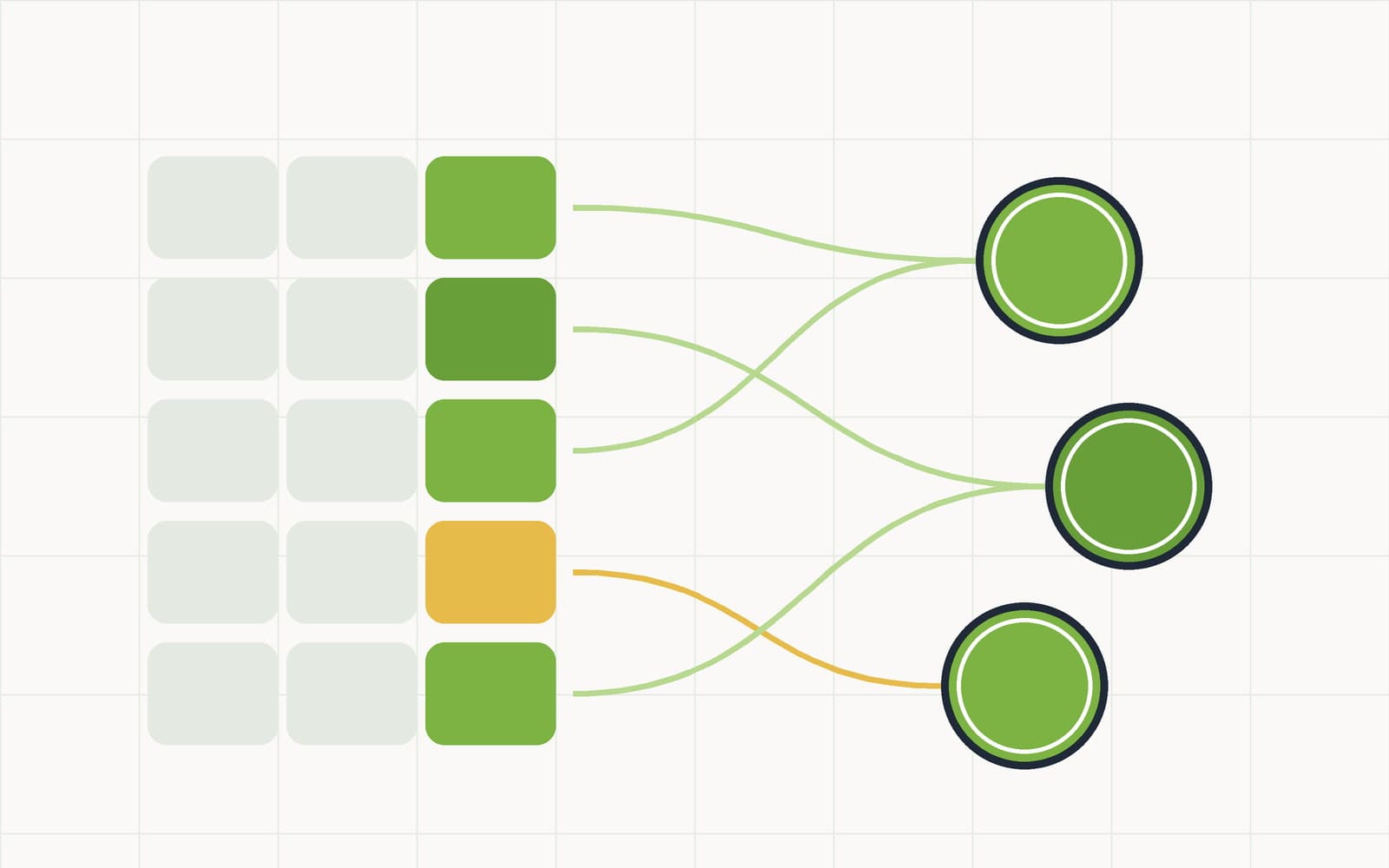
- Check. Every matched line goes to the CutSheet ATP engine — the same Available-to-Promise check your sales reps run on sales orders today. The LP answers with a number, per line: how much of this product can actually ship in the requested window, given everything else already promised.
- Draft. Order Desk writes the reply, grounded only in those computed numbers: "We can confirm 600 lb of the 112A for Friday; the remaining 200 lb can ship Monday first shift. The 50/50 trim is confirmed in full." Not a guess — the LP's answer, in a sentence.
- Confirm — a person, every time. Nothing is sent and nothing is booked until someone on your team reviews it.
The review inbox: trust, but verify — in one screen
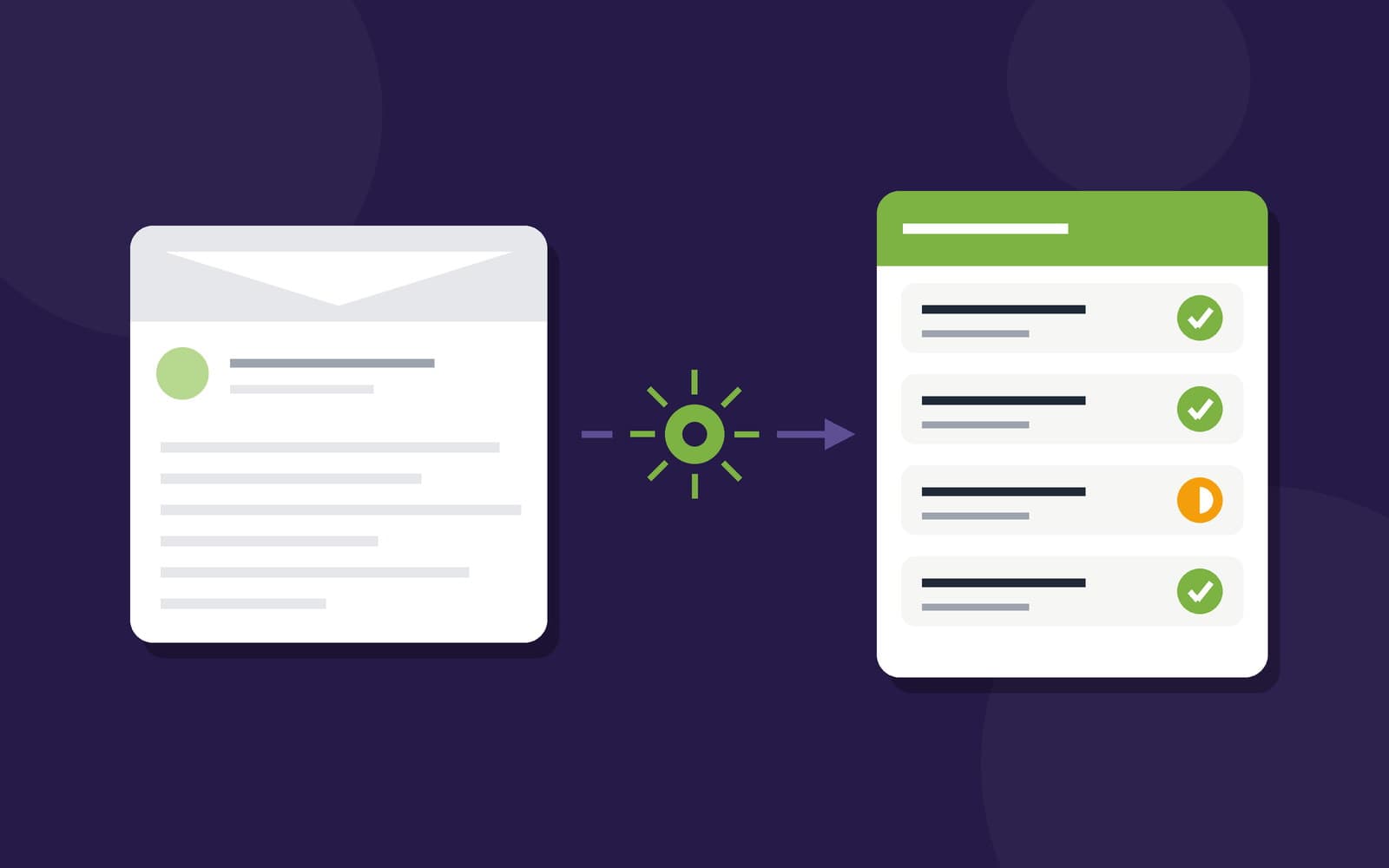
Every parsed order lands in a review inbox. The original message sits on the left, verbatim — the ground truth. The parsed lines sit in the middle: what the AI read, which item it matched, how confident it was, and a green / yellow / red availability badge per line straight from the LP. The drafted customer reply sits on the right, editable.
If everything looks right, one click opens your normal sales-order entry screen with every field pre-filled — customer, ship date, lines, quantities. The order goes through the exact same validation, pricing, and commitment path as an order your team keyed by hand, because it is that path. If something looks wrong, you fix the match or the quantity, re-check availability, and move on. Every correction is logged — what the AI said versus what the human decided — so accuracy is measured, not assumed.
It learns your customers' vocabulary
Every plant's customers have their own dialect. One calls it "export ribs," another says "109E," a third just writes "the usual ribeyes." When your operator corrects a match once, Order Desk remembers that this customer's phrase maps to that item — and uses it first the next time. After a handful of orders, a repeat customer's email parses almost deterministically. The system converges on your book of business instead of asking your customers to converge on it.
What changes at the desk
The work doesn't disappear — it changes shape. Instead of retyping orders, your sales desk reviews them. Instead of "got it, we'll confirm," customers get a real answer in minutes: what's confirmed, what's short, and the earliest date for the remainder. Instead of feasibility surprises surfacing on the cut floor Thursday night, they surface in the reply on Tuesday morning — while there's still time to sell the substitution or shift the date.
And your customers change nothing. No app, no portal, no login. They keep sending the same emails they've always sent. That's the point.
Where it's headed
Order Desk starts with email and pasted text. Next come a dedicated order mailbox that's read automatically, voicemail transcripts, photographed order sheets, and replies sent straight from the app. Each step keeps the same spine: AI reads, the LP answers, a person confirms.
Order intake is the last unstructured mile between your customers and your optimizer. Closing it doesn't take another portal — it takes a system that can read the inbox and knows what the plant can cut.