Start in a spreadsheet.
Grow into a system.
CashSheet is the POS for pizzerias, counters and small stores, with dual pricing at the tender and your own card processor.
Workbooks is the AI-powered spreadsheet-database where your cash counts, recipes, and inventory live from day one. When you're ready, one click moves them into Back Office — items, vendors, recipes, counts — and CashSheet POS rings the menu on a Windows till or an Android register, with dual pricing at the tender and your own processor behind it. Same account, same data, nothing re-typed.
Large Supreme Pizza · Recipe
Workbook · built by AI from one prompt
| Ingredient | Qty | Unit | Cost |
|---|---|---|---|
| Pizza Dough Ball | 1 | EA | $0.84 |
| Pizza Sauce | 4.5 | OZ | $0.42 |
| Shredded Mozzarella | 9 | OZ | $2.14 |
| Pepperoni | 2.5 | OZ | $0.86 |
| Italian Sausage | 2 | OZ | $0.64 |
| Green Peppers | 1.5 | OZ | $0.22 |
Plate cost
$5.12
Menu price
$18.99
Food cost
27%
Migrated to Back Office
13 items · 12 recipe lines · 7 units
POS · Supreme rang up
$18.99 · tax 8.25% · ticket #214
A point of sale built for pizzerias, counters and small stores
The same till on Windows and Android, a kitchen screen, and a Back Office that owns the menu, prices, staff and reporting. These are real screens, not mockups.
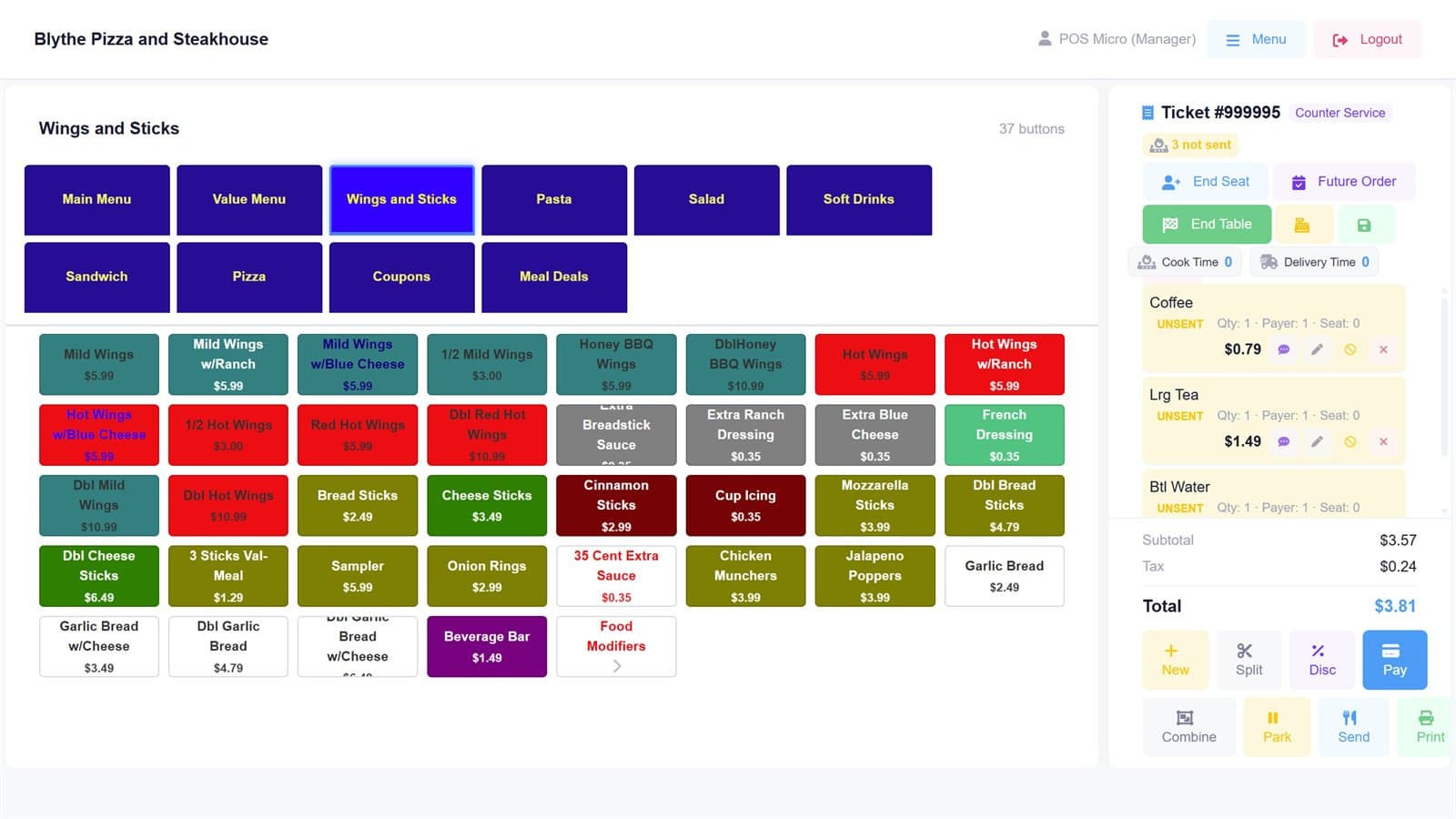
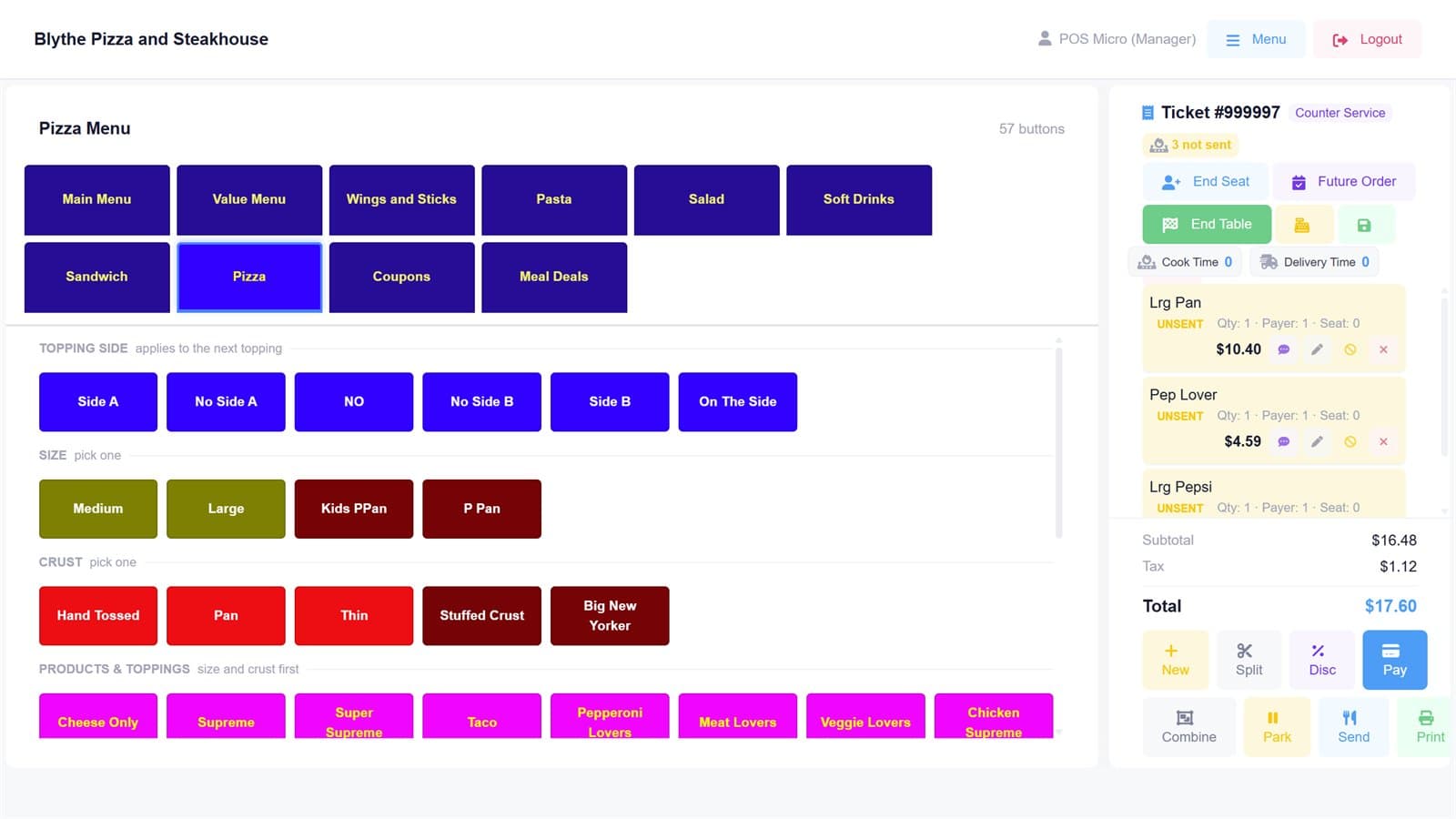
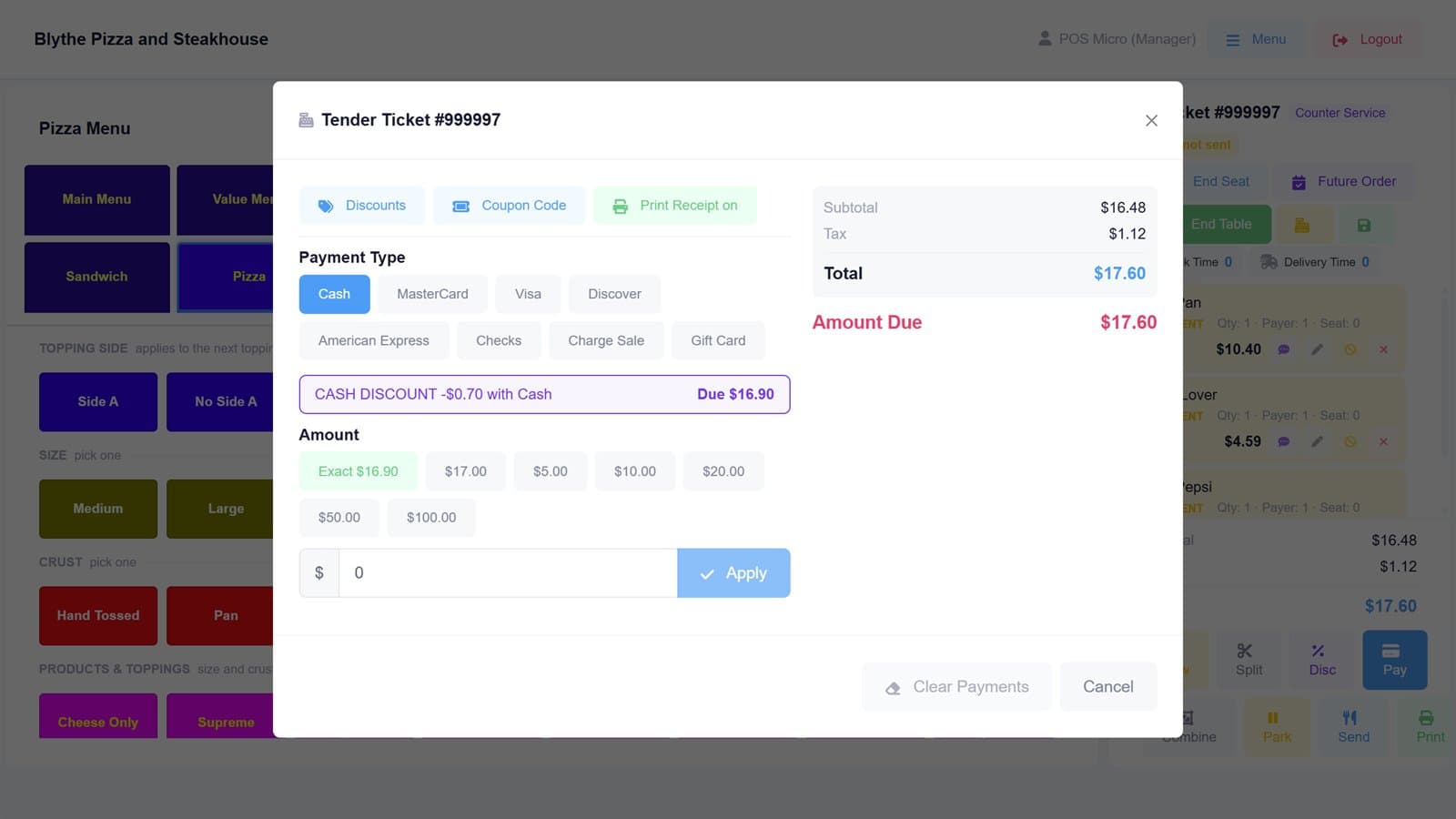
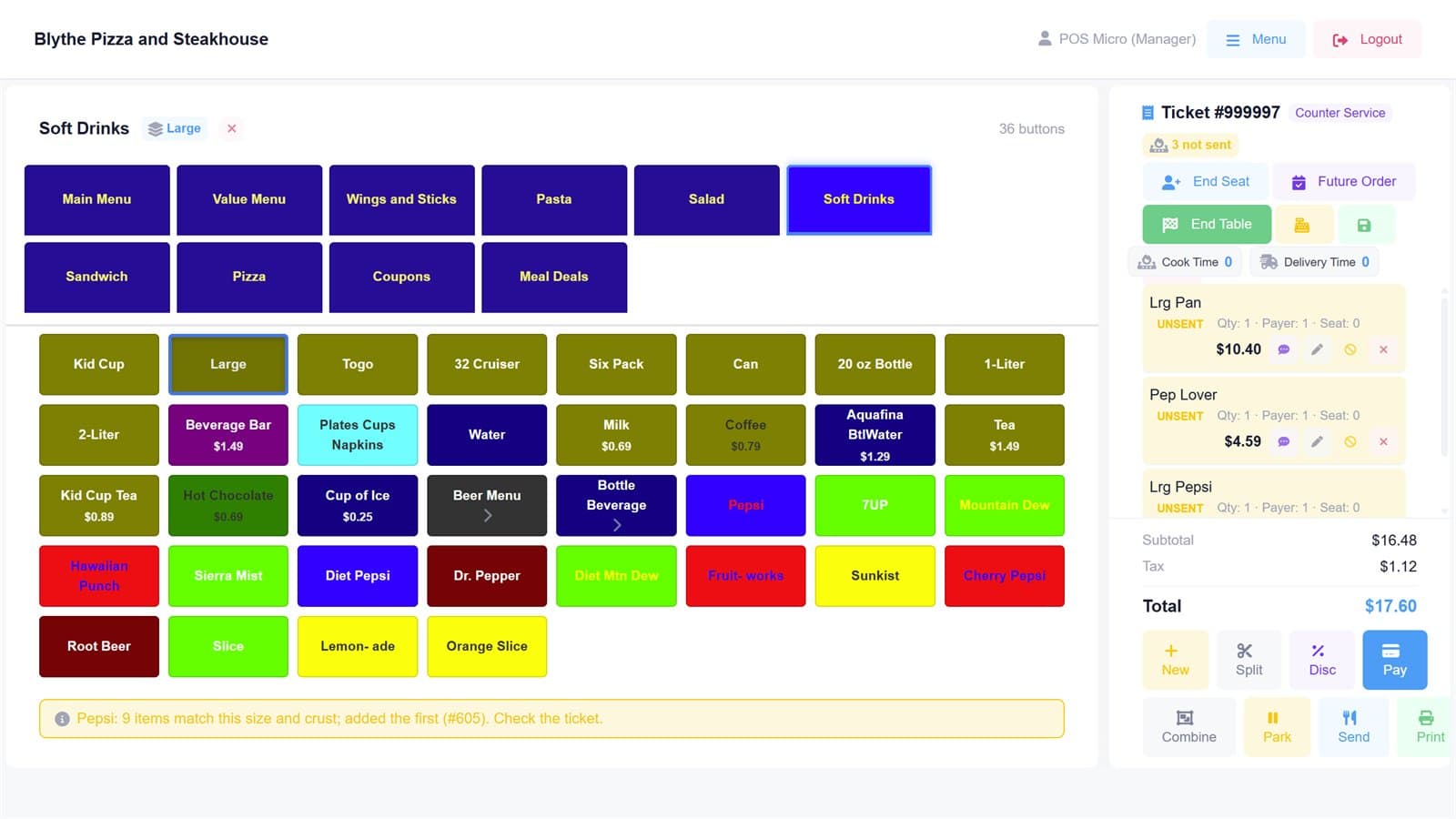
Touch menus with the ticket beside them. Send to the kitchen, park, split, print.
Windows till, Android register and handheld
One engine, three form factors. Full-service and delivery on the Windows till; counter and handheld on Android. The store keeps trading when the internet drops.
Dual pricing, cash discount or surcharge
Set once per store in the Back Office; every till re-quotes at the tender, itemises it on the receipt, and keeps it apart from sales so the drawer still balances.
Your processor, not ours
CashSheet never sells processing. Card acceptance runs on the processing your ISO or agent already sells, and the software stays yours if the processing ever changes.
Menus from a photo, with AI
Connect Claude, hand it a photo, PDF or spreadsheet of your menu, approve the dry run, and the items are on the till screens in minutes.
Kitchen screen, online orders, back office
Tickets go to the kitchen screen or printer, marketplace orders drop straight into the till, and every sale lands in the same Back Office as your recipes, counts and cash sheet.
Everything a food business runs on
Restaurants, cafés, counters, and shops all start the same way: a spreadsheet somebody guards with their life. CashSheet keeps that spreadsheet — and grows it into inventory, recipes, and a POS without ever re-entering the data.
Daily Cash Count
Workbook · shared with 3 people
| Drawer | Counted | Expected | Over/Short |
|---|---|---|---|
| Register 1 | $412.50 | $410.00 | +$2.50 |
| Register 2 | $385.00 | $385.00 | $0.00 |
| Drive-thru | $291.25 | $298.00 | -$6.75 |
Ask AI: “Which drawer has been short most often this month?” → Drive-thru, 6 of 22 days, avg −$4.10.
1 month free
Start with a workbook today
Sign up, pick a template — cash count, petty cash, recipes — or describe what you need and let AI build it. Back Office and POS are one click away when you're ready.
Ask Claude about your store
Plain-language answers from your own Back Office data, and a menu that builds itself from a photo. Works with Claude on the web, desktop and mobile, and with Claude Code.
Your login, one organisation
Connect with your CashSheet account and pick the organisation the assistant may see. It sees what your role sees in the Back Office, nothing more.
Reads everything, writes one thing
Sales, cash sheet, labour hours, voids, stock and the menu are read-only. The only change it can make is adding menu items, after a dry run you approve. It never deletes.
Free, on your own plan
Any Claude plan, including Free, can add the connector. CashSheet does not run a model or charge for the connector, and never sees your conversation.
The spreadsheet that works like a database
Cash counts, petty cash, reconciliations — the jobs Excel quietly fails at. Workbooks keeps the grid you know and adds the discipline your money deserves. Live now at cashsheet.com/workbooks — a 1-month free trial for every new workspace.
Daily Cash Count · Register 2
Shared with 4 teammates · live
| Denomination | Value | Count | Total ƒ |
|---|---|---|---|
| $100 bill | $100.00 | 14 | $1,400.00 |
| $20 bill | $20.00 | 62 | $1,240.00 |
| $5 bill | $5.00 | 38 | $190.00 |
| Quarters | $0.25 | 117 | $29.25 |
Typed columns, money exact to the cent
Currency cells are stored as exact cents — never floating point. A date column won't accept "next Tuesday". Bad data is refused at the door.
Formulas by column name
Write ={Value} × {Count} once and every row computes it. Relations link sheets like database tables; rollups total across them automatically.
Cash sheet templates, two clicks in
Daily Cash Count, Petty Cash Log, and Cash Book ship built-in — denomination counters, receipt attachments, and computed totals included.
Live for the whole team
Realtime editing, row comments with @mentions, dashboards over live data, and automations that react to changes or run on a schedule.
The spreadsheet, the stockroom, and the counter — one account
Workbooks holds the numbers you track by hand today. Back Office turns them into items, recipes, and counts. POS rings the sale. The books follow along.
Describe it — AI builds the workbook
“Recipe for a large supreme pizza” becomes a working workbook: an ingredients sheet, a units sheet, and a recipe sheet already linked together with quantities and costs. Templates cover the classics — daily cash count, petty cash log, expense tracker — and every column is typed, related, and shareable, because Workbooks is a database wearing a spreadsheet.
Ring the counter, feed the back office
POS menus with sizes, crusts, toppings, and modifiers; taxes and dining occasions; registers and drawers; a cash price and a card price at the tender. Every ticket flows into the same back office that holds your items, vendors, and recipes — so food cost, variance, and product mix come from what actually rang up, not from a guess at month end. Menus, prices and the pricing programme are set once in the Back Office and reach every till on its next sync.
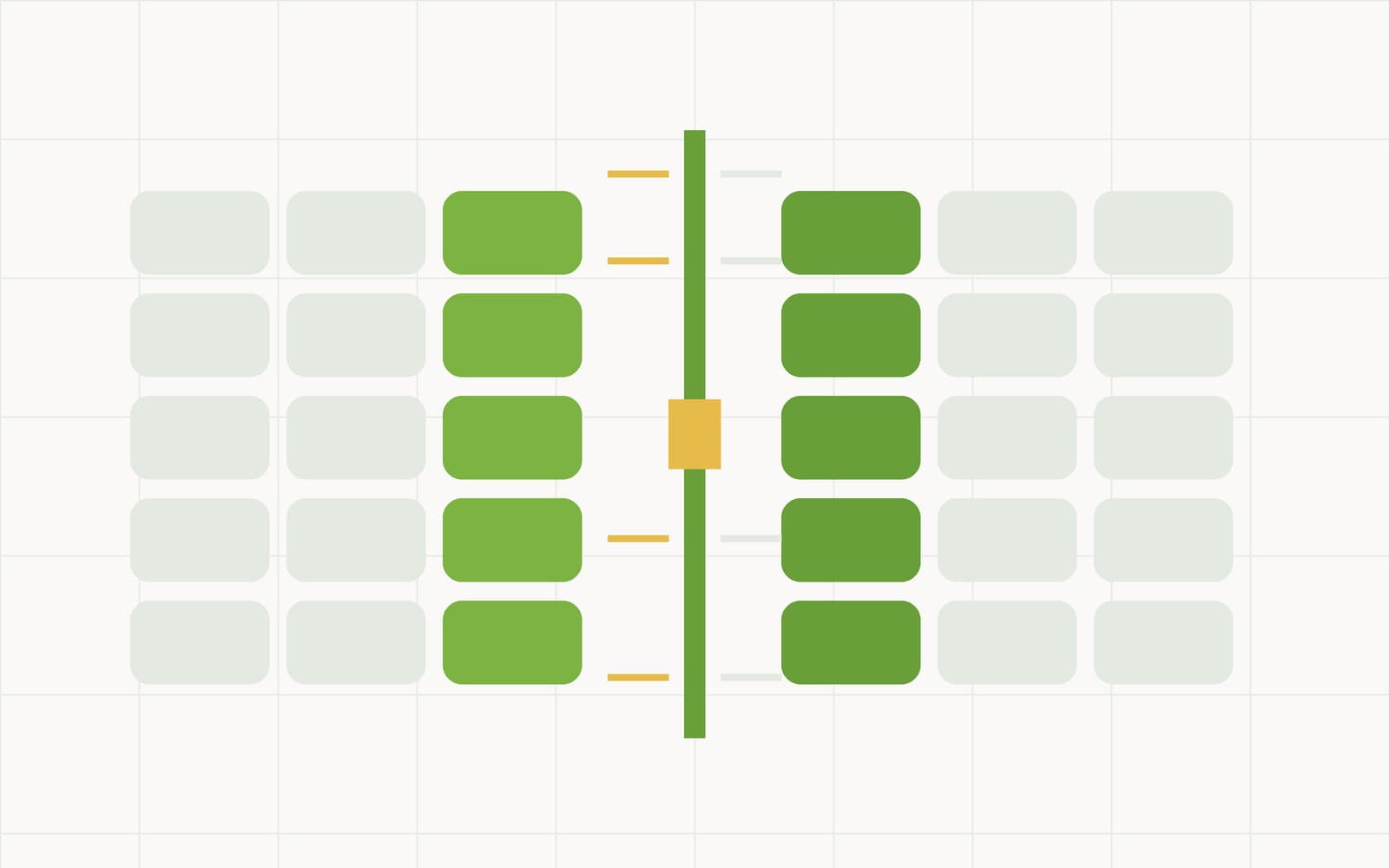
Your data, walled off by the database itself
Every organisation's rows are fenced off inside the database with Postgres row-level security, not by a filter the application has to remember. With no organisation selected, a query sees nothing at all. The app connects as a role that cannot switch the policy off, and every build runs tests that try to read across the fence. Inside your organisation, roles decide who sees what: wages stay with owners and admins.

Know exactly where you stand
The numbers roll up as you go: cash counts from Workbooks, food cost and variance from Back Office, sales and tax from POS — always current, never re-keyed. Double-entry accounting posts the entries behind the scenes, so the counter, the cooler, and the books never drift apart.
Made for every kind of business
Pizzerias, Restaurants & Cafés
A pizza builder with halves and sides, delivery and phone orders, a kitchen screen, and a till that keeps trading offline — with recipes, counts and the cash sheet in the same Back Office.
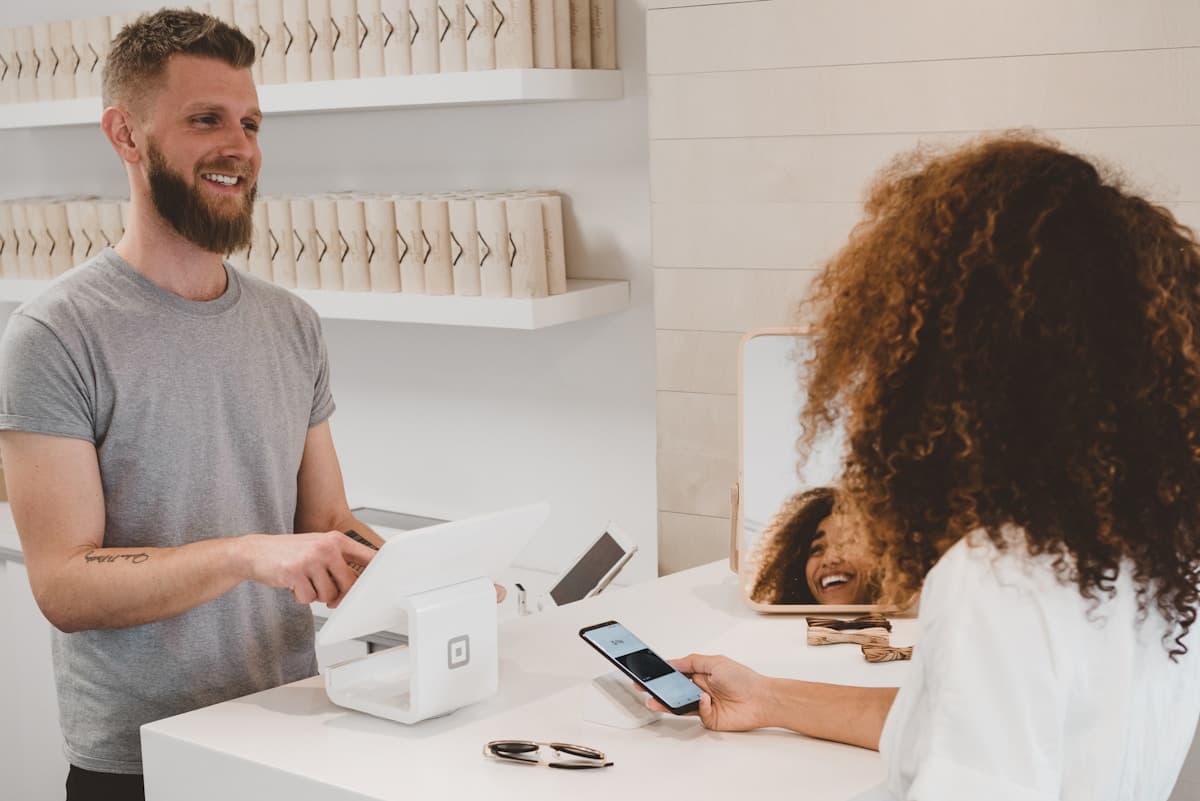
Counters, Convenience & Small Retail
Barcode scanning, an Android register or handheld, dual pricing at the tender, and stock levels that come from what actually rang up.
Service Providers
Send invoices, track billable hours, and get paid faster with online payments.

Insights & Resources
Introducing CashSheet Workbooks: The Spreadsheet That Works Like a Database
Typed columns, money exact to the cent, live formulas, and one-click cash sheet templates — the product our name has always promised, live now for every CashSheet account.
Why Your POS Should Talk to Your Books in Real Time
End-of-day reconciliation is a symptom of disconnected systems. Integrated POS means every sale posts a journal entry the moment it happens.
Row-Level Security, Done Properly
"Your data is isolated" is the least verifiable sentence in software marketing. Here is the actual mechanism behind tenant isolation in CashSheet Workbooks — forced row-level security, a database role that cannot bypass it, default-deny, and the four properties we test on every build.
Frequently Asked Questions
Quick answers about the POS, dual pricing, the AI connector, and CashSheet accounting.
A cloud platform for restaurants, counters and small stores, built around three products on one account: Workbooks, the AI-powered spreadsheet-database for cash counts, recipes, and tracking; Back Office, full inventory management with items, vendors, recipes, and variance reporting; and CashSheet POS for menus, registers, and the counter. Double-entry accounting posts the entries underneath.
Workbooks is where you start: a spreadsheet with typed columns, linked sheets, formulas, and an AI that builds workbooks from a prompt — perfect for cash counts, petty cash, recipes, and anything you track by hand today. Back Office is structured inventory management plus the menu, prices, staff, pricing programme and reporting for the tills. CashSheet POS rings sales at the counter — touchscreen menus with sizes, crusts, toppings and modifiers, taxes, occasions, registers and drawers — as a Windows till for full-service and delivery sites and as an Android register or handheld for the counter. They share one account, and a workbook can be migrated into Back Office with one click when you outgrow the spreadsheet.
Yes. The POS engine runs locally on the till, so tickets, the kitchen screen and end of day carry on without a connection. Sales sync to the Back Office when the connection is back, and menu changes made in the Back Office reach the till on its next sync.
No. CashSheet never sells processing — not as a reseller, not as an ISO. Card acceptance runs on the processing your ISO or agent already sells, and if the processing ever changes, the software stays yours. Ask your merchant services provider about CashSheet, or send us a note and we will point you to a partner who carries it.
Yes. Choose the programme and rate once per store in the Back Office. The till re-quotes the price when the cashier picks the tender, shows the cash and card amounts side by side, itemises the adjustment on the receipt, and keeps it apart from sales so End of Day and the cash sheet still balance. A surcharge is capped at the card brands' limit and never applied to debit; check your state's rules before switching one on.
Any Windows 10 or 11 machine with a touchscreen for the till, plus a receipt printer and cash drawer. On Android, a counter register or a handheld with a built-in printer. A kitchen screen is any tablet or screen on the same network. We are working with payment-terminal makers so the POS can run on the Android terminal a merchant already owns.
A connector that lets Claude answer questions from your Back Office data — sales by day and hour, top items, the cash sheet, labour hours, voids and why, stock and the menu — and build your menu from a photo, PDF or spreadsheet, after a dry run you approve. You connect with your own CashSheet login and choose one organisation; the assistant sees what your role sees and never your card data. It is free: your own Claude plan does the work.
Hand the AI connector the menu you already have: a photo of the menu board, a PDF, or a CSV or spreadsheet. It prepares the items, shows you exactly what it would create and which till screen each item lands on, and writes only after you say yes. Pizza menus can be built as a whole size-by-crust-by-topping matrix with the builder screen in one go.
Every organisation's data is scoped at the database level with row-level security, and a user only ever reaches the organisation they belong to. The AI connector is scoped the same way: one organisation per connection, revoked the moment a user is removed. Card numbers are never stored by CashSheet at all.
CashSheet is built on a full double-entry accounting engine with chart of accounts, journal entries, ledgers, balance sheets, income statements, and cash-flow statements — compatible with GAAP and IFRS reporting principles. Every sale, bill, and inventory movement posts proper journal entries automatically.
Yes. CashSheet imports OFX and QFX bank statements directly, and accepts CSV for customers, vendors, items, sales orders, and most other entities. Direct connectors to QuickBooks Online, Xero, and major ERPs are handled during onboarding rather than self-serve — that way the migration is supervised end-to-end and your opening balances land correctly.
Workbooks, Back Office, and POS are self-serve: pick a plan on the pricing page and every new workspace starts with a 1-month free trial. If you buy through an ISO or agent, they set the price of the bundle — hardware, install, software and processing — and support you directly.
Yes. Every customer gets email support and access to documentation, and a merchant who buys through a partner gets that partner's first-line support on site. When something looks wrong on a till, we want to see it, not triage it through a ticket queue.
Pick a plan and sign up — you'll be inside a workbook in a couple of minutes, with a 1-month free trial. For the POS, reach out via the contact form or email [email protected] and we'll set up a 30-minute screen share with a demo store shaped like yours.
Run the whole shop on one platform.
Workbooks for the numbers. Back Office for the stock. POS for the counter. 1 month free.
Get started free