How to Close Out a Register: A Step-by-Step Night Routine
To close out a register: finish or void every open ticket, run the register's end-of-day report, count the drawer by denomination, take out the opening float, compare the cash with the report's cash sales, record the over or short, have a second person check it, and bag the deposit. Same steps, same order, every night.
The order matters more than the speed. A close that is done differently by each closer produces numbers nobody can compare, and an over/short you can't compare is just noise. Here is a routine any closer can follow.
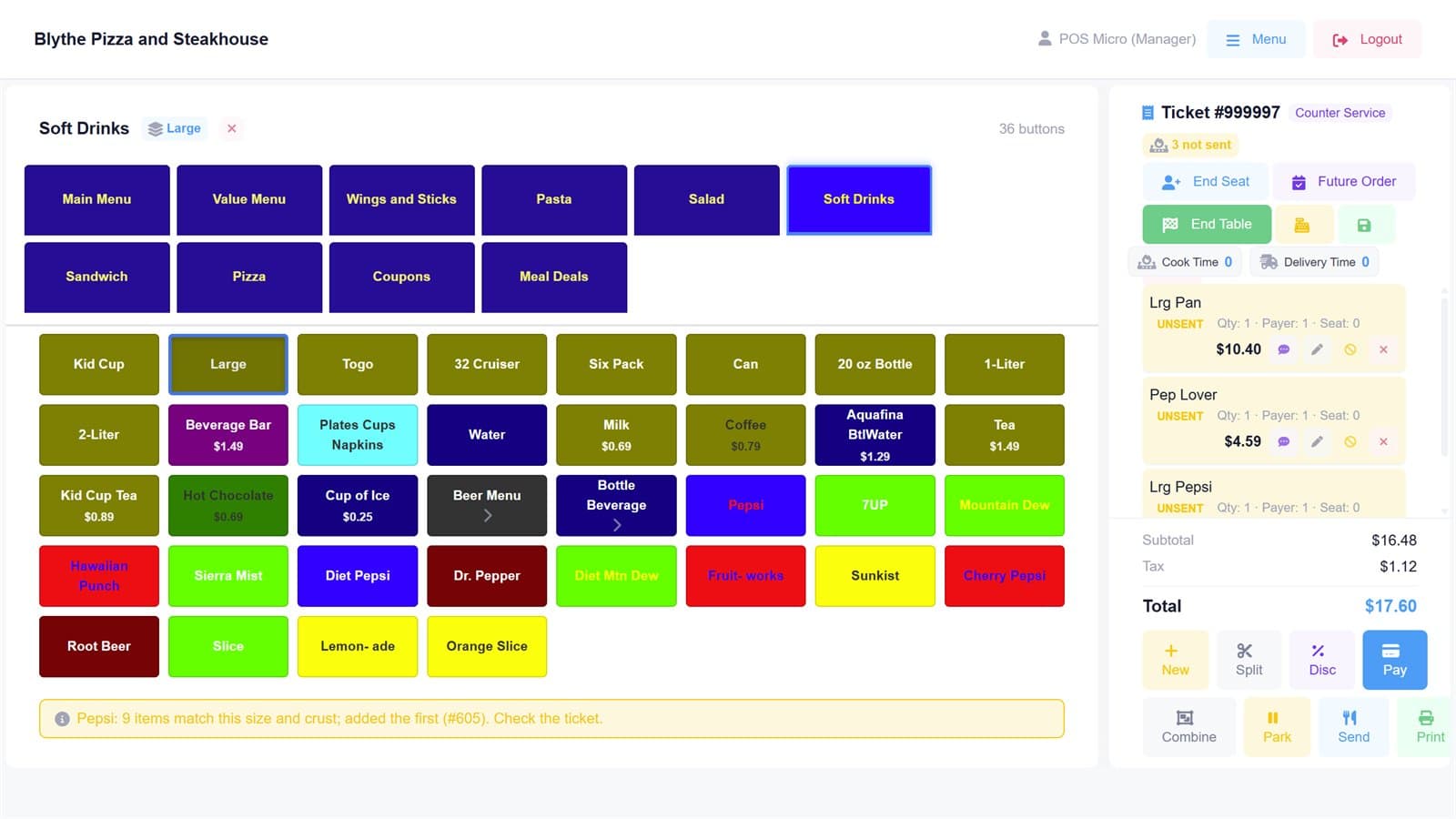
1. Close or void every open ticket
A ticket still open at close is a sale the report doesn't know about, or a sale that never happened. Settle the ones that were paid, void the ones that weren't (with a reason), and make sure nothing is parked. Then clock out anyone still on the clock, so the labour for the day is complete.
2. Run the end-of-day report
The register's end-of-day report (often called a Z report) is what the drawer should hold: cash sales, card sales by type, refunds, paid-outs and tips. Run it once, at the end, for the register you are counting. Running it before the last ticket is closed is the most common reason the numbers don't agree.
3. Count the drawer by denomination
Count each bill and coin separately and write down how many of each, not just a total: twelve twenties, eight tens, and so on. Counting by denomination is slower by a minute and makes recounts and disputes simple. Count away from the counter, with the drawer out of the register.
Our printable cash drawer count sheet does the multiplication for you.
4. Take out the float
Set aside the opening float, the change fund the drawer started with (for example $200 in small bills and coins), and rebuild it in the denominations the next shift needs. Everything above the float is the day's cash.
5. Reconcile cash against the report
Expected cash in the drawer is the float plus the report's cash sales, minus any cash refunds and paid-outs. Compare it with what you counted. The difference is your over (more cash than expected) or short (less).
6. Check card totals against the processor
Close the card batch on the terminal if your processor doesn't do it automatically, and compare the batch total with the report's card sales. A card difference usually means a payment taken on the terminal but not rung on the till, or the other way round. If you run a cash discount or dual pricing, the adjustment should appear on its own line so it doesn't make card sales look wrong.
7. Record it and sign it
Write the count, the expected amount and the over or short on the cash sheet for that register and date, with the closer's name. A second person checks the count and signs too. Two signatures aren't about distrust; they make a mistake visible the same night instead of at month-end.
8. Bag the deposit and lock up
Bag the deposit with a deposit slip that matches the counted cash minus the float, seal it, and put it and the float in the safe. Note the bag number on the cash sheet so the bank deposit can be matched later.
What to look for in the numbers
A few cents over or short happens. What deserves attention is a pattern: the same register, shift or closer coming up short again and again, or shorts that are always round numbers. That is why the cash sheet is kept every night, not just on the bad ones: the pattern is only visible in the history.
How CashSheet POS helps
On CashSheet POS the till already knows the drawer's float and the day's cash and card totals, so the expected figure isn't something to copy from a printout. The Back Office cash sheet keeps each register's close by business day, and trade after midnight but before 4 a.m. counts towards the day it belongs to. If you run a cash discount or dual pricing, the adjustment has its own row, so the drawer still balances.